
Page builderTemplates
Restore earlier page and template versions
Experiment with a design knowing you can get the previous one back.
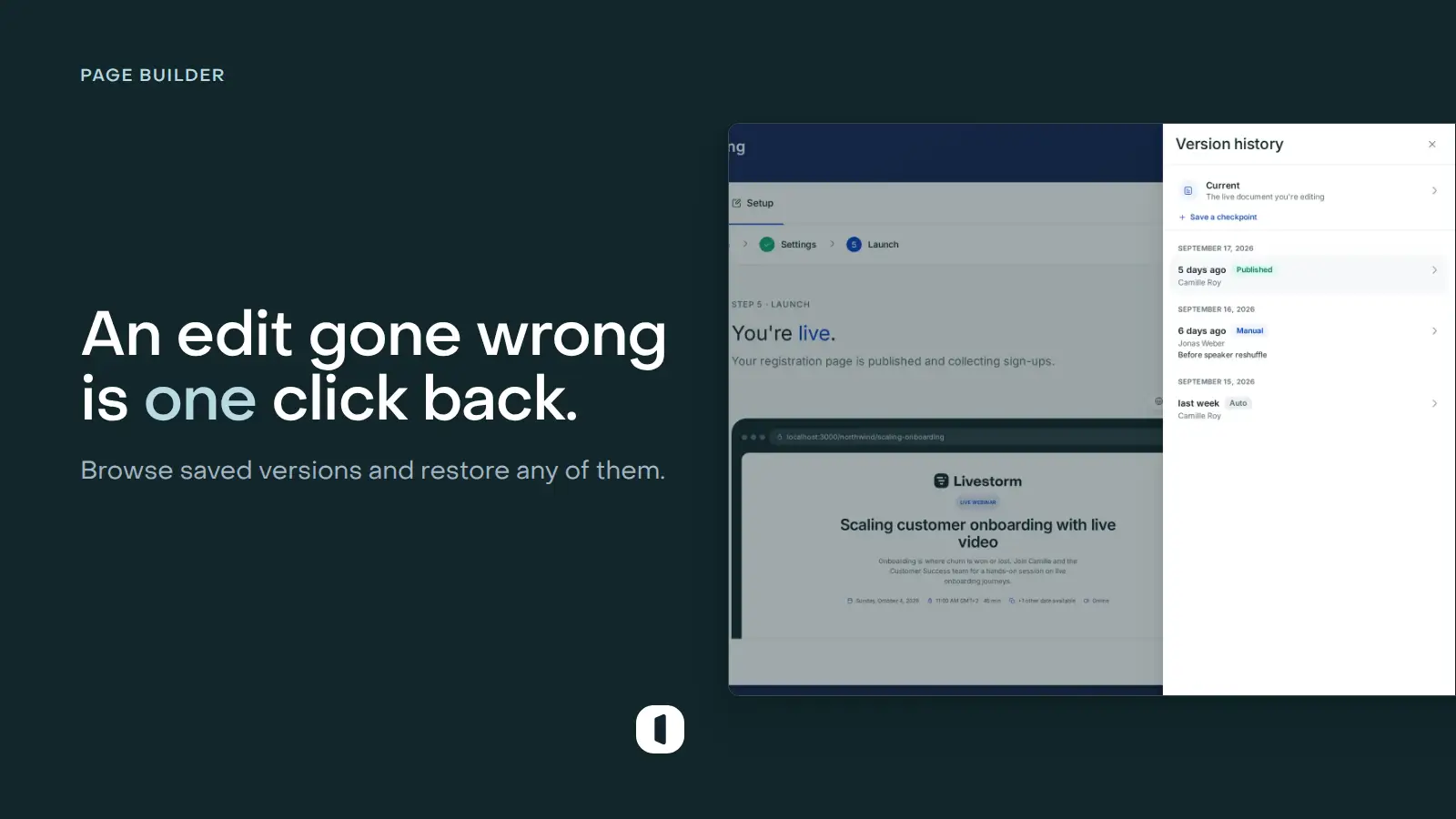
A timeline of meaningful saves
Venue records versions as you work on registration pages and templates. Open the history to see when each version was saved and preview it before making a decision.
Restore without losing the trail
Restoring creates a new current version instead of deleting later history. You can compare, undo, and continue editing from a known-good design.