Product updates
New ways to build, publish, and run event registration experiences with Venue.
Hear when someone registers
A bell in the header counts new sign-ups, and the notification center names the page and how many people joined.
- Registration
- Workspace

Registrations your event platform refuses are kept and retried
When the event platform turns a visitor away for a reason they cannot fix, Venue keeps the registration, retries it, and lists it in a Failed view of the Registrants tab.
- Registration
- Registration pages
Find, export or erase everything stored about one person
A new Data requests section in Settings → AI & privacy answers a GDPR request in one place: search an email across every page and campaign, download what is stored as JSON, or erase it.
- Settings
- Privacy

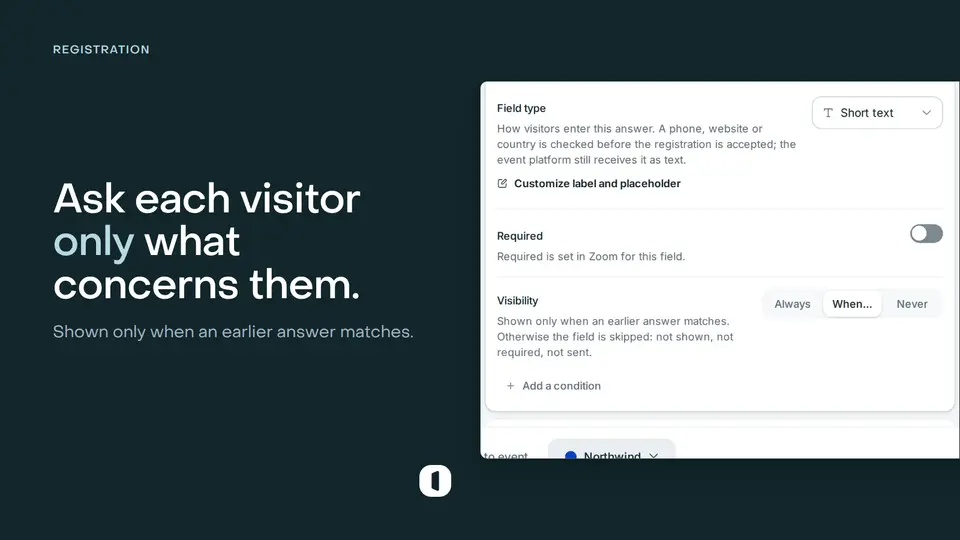
Ask each visitor only what concerns them
Give a field a rule and it appears only for the visitors it concerns: a job title once a company is named, a dietary question for the people coming in person. A skipped field is never required, never validated, never sent.
- Registration pages
- Registration
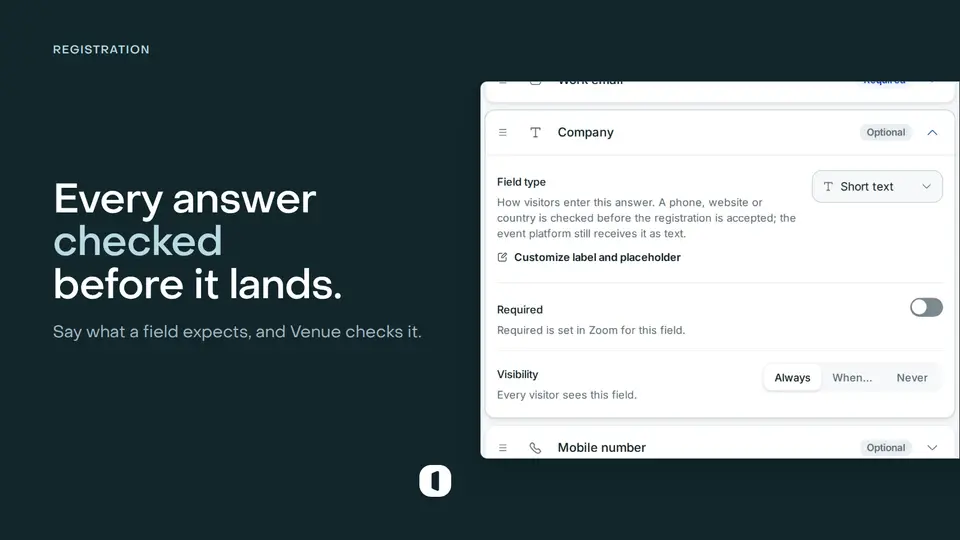
Give a registration field a type: date, number, address and more
Say what kind of answer a field expects and Venue checks it before the registration is accepted, then stores it cleanly. Eight types, an address that suggests itself, and multiple-choice questions that keep every answer.
- Registration pages
- Registration
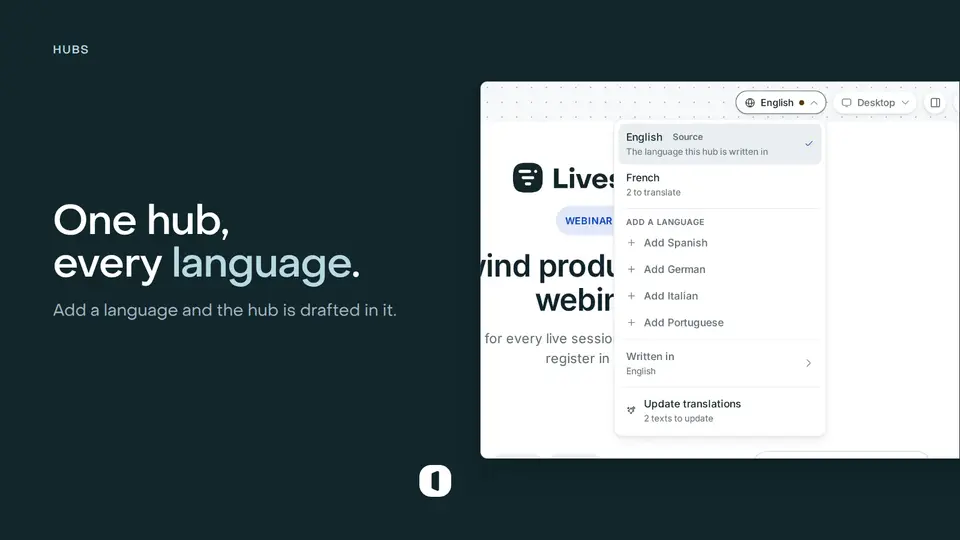
One hub, every language your audience reads
An international audience no longer costs you a hub per language. Add a language and AI drafts the whole hub in it, every event card follows the page it lists, and each language gets its own indexable address.
- Hubs
- Registration pages
Create a Livestorm event without leaving the builder
Start a page for an event that does not exist yet: describe it on the first step and Venue creates it in your Livestorm workspace, sessions included.
- Registration pages
- Page builder
- Livestorm
Duplicate a page, or save its design as a template
Copy a page with its design, its form and its settings, keep a design you like as a reusable template, and duplicate a hub the same way.
- Registration pages
- Page builder
- Hubs

Choose the language of an embedded page or form
Embed a multilingual page in the language of the site it sits on, or let the embed follow each visitor's browser.
- Registration pages
- Embed
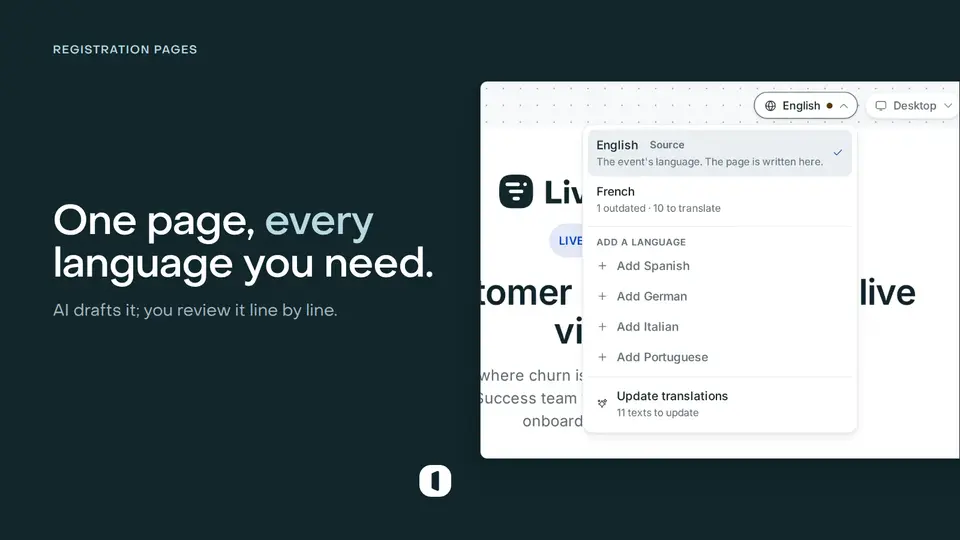
Publish your registration page in several languages
Add a language from the builder, let AI draft every text of the page, review it text by text, and give each language its own address for visitors and search engines.
- Page builder
- Registration pages
Keep a waiting list when your page is full
A capped page can now queue the visitors it used to turn away, and you promote them from the Registrants tab as seats free up.
- Registration
- Registration pages

Registration decisions moved into the Registrants tab
Approved, Waiting and Declined are three views of one list, and a request you declined by mistake goes back to Waiting in one click.
- Registration
- Moderation
Require approval before registration
Hold free-page sign-ups for review, then approve or decline them before anyone is registered for the event.
- Registration
- Moderation
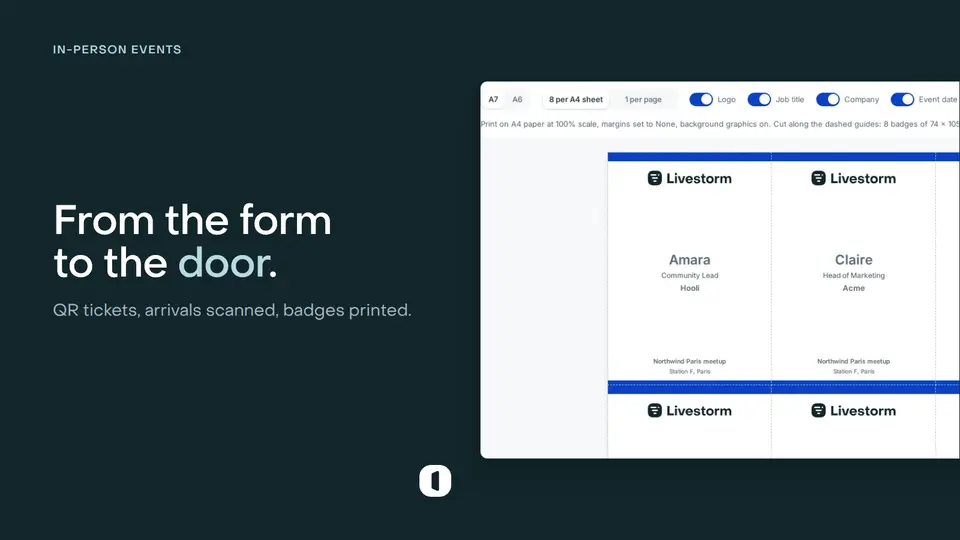
Run in-person events from registration to the door
Create an in-person event, issue QR tickets, scan arrivals, and print attendee badges in Venue.
- In-person events
- Check-in
Embed registration pages and hubs on your site
Copy one responsive snippet to place a Venue form, full page, or event hub inside your website.
- Registration pages
- Hubs
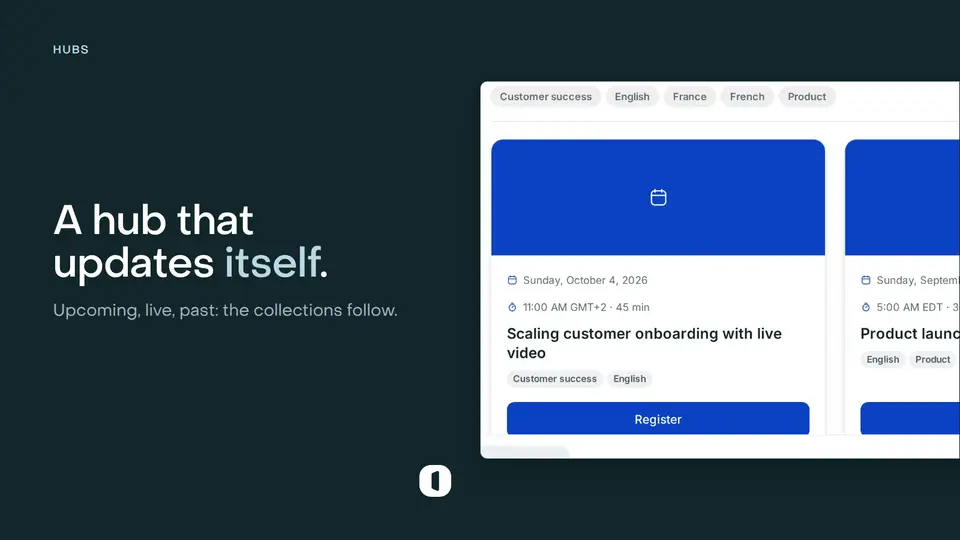
Build event hubs that update themselves
Publish one destination for upcoming, on-demand, and past events, with collections that stay current.
- Hubs
- Discovery
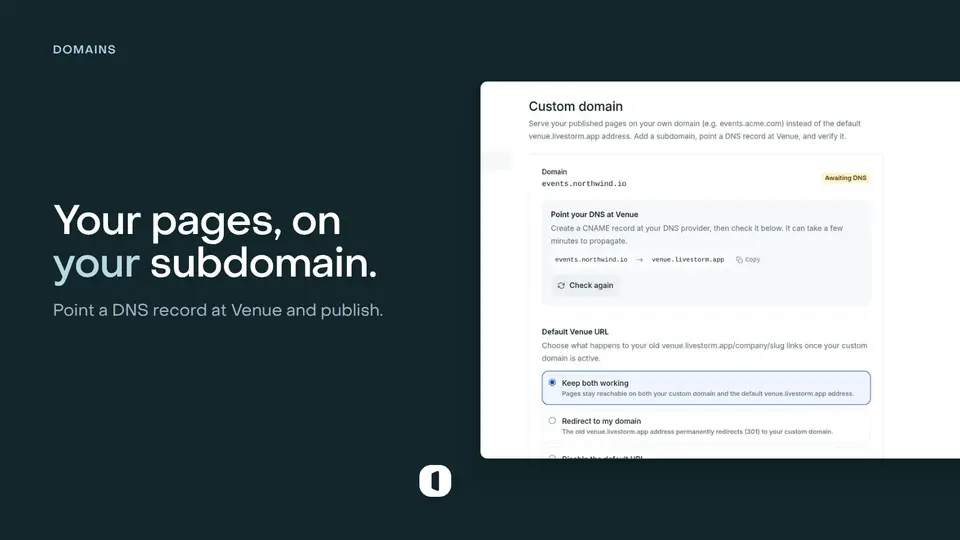
Publish on your own domain
Serve Venue registration pages from a branded hostname with managed routing, redirects, and SEO.
- Domains
- Branding
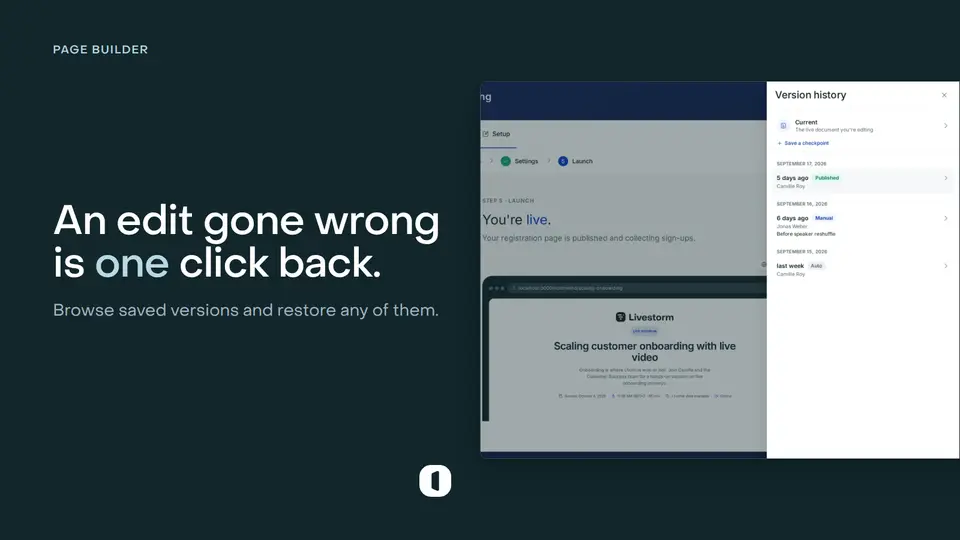
Restore earlier page and template versions
Review saved versions and roll a page or template back when an edit does not work out.
- Page builder
- Templates
Sell tickets with paid registration
Connect Stripe and require a one-time payment before Venue confirms a registration.
- Payments
- Registration