
Registration closes when you decide
A page used to stop taking registrations only when its session had passed, its limit was reached or the event platform said no. Closing the evening before, to print badges or settle the catering numbers, meant coming back to unpublish it. Now you set the date and the time, and the page closes at that minute.
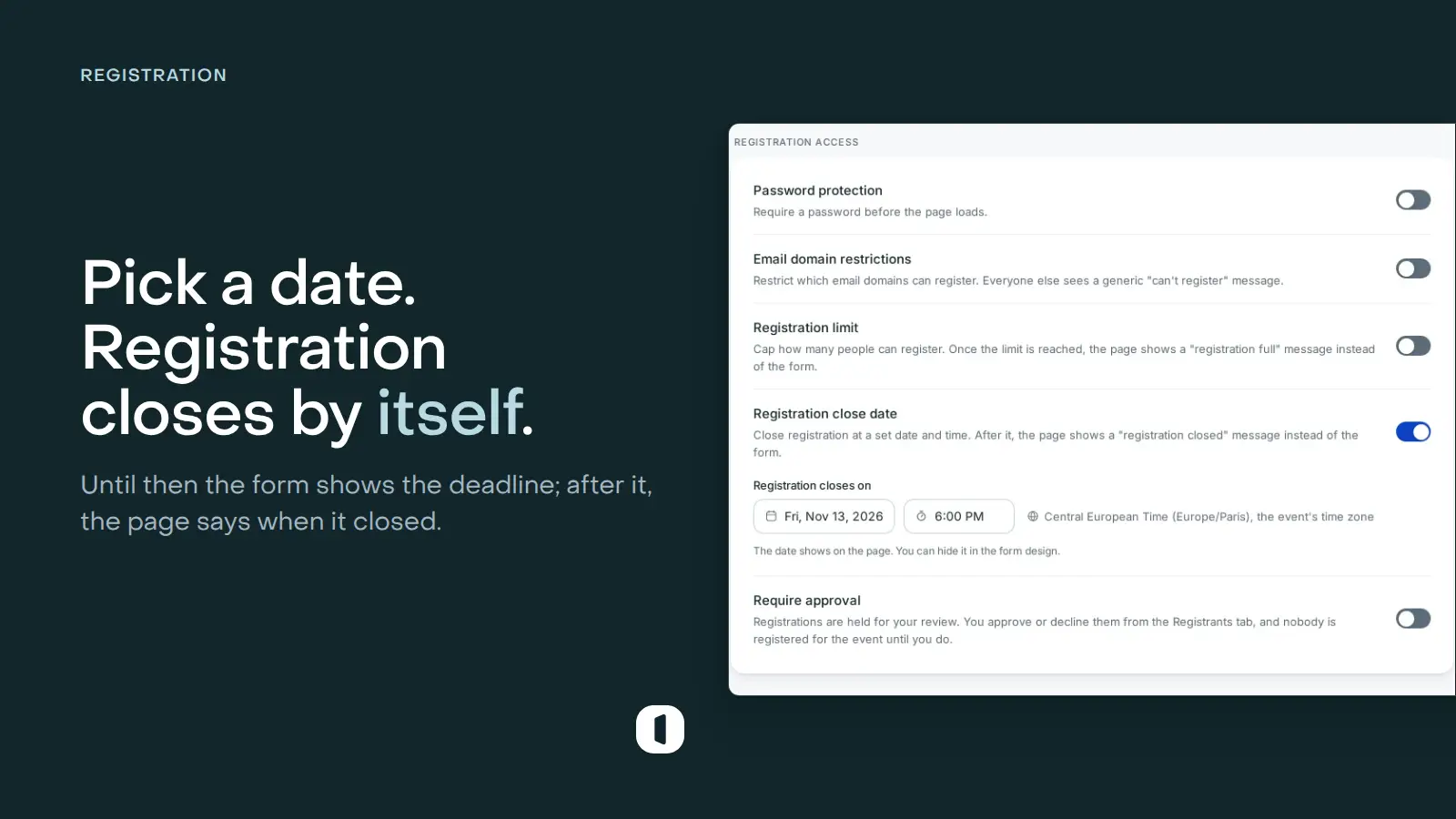
Visitors know how long they have
Until the date, a line under the form’s button gives the deadline in the page’s language (“Registration open until” on an English page), with the time zone, on the page, in the embed and in a hub’s form. At that minute the form becomes a card that says registration is closed and when, and the page refuses every new registration, a paid one before anything is charged.
To keep the line off the page, turn off Show the closing date in the form’s panel on the Design step: the closed card still names the date. A Registration deadline variable puts the same date into your own text.
Set once, in the event’s own time zone
Turn on Registration close date in the Settings step, under the registration limit. Venue suggests 6:00 PM on the eve of your last session and names the event’s time zone beside the date: the page shows the deadline in that zone, so every visitor reads the same one.
Work begun in time still finishes after the date: you can approve pending requests and promote people from the waiting list, and a payment started before it goes through. One date covers the whole page, and nothing is emailed at the close.